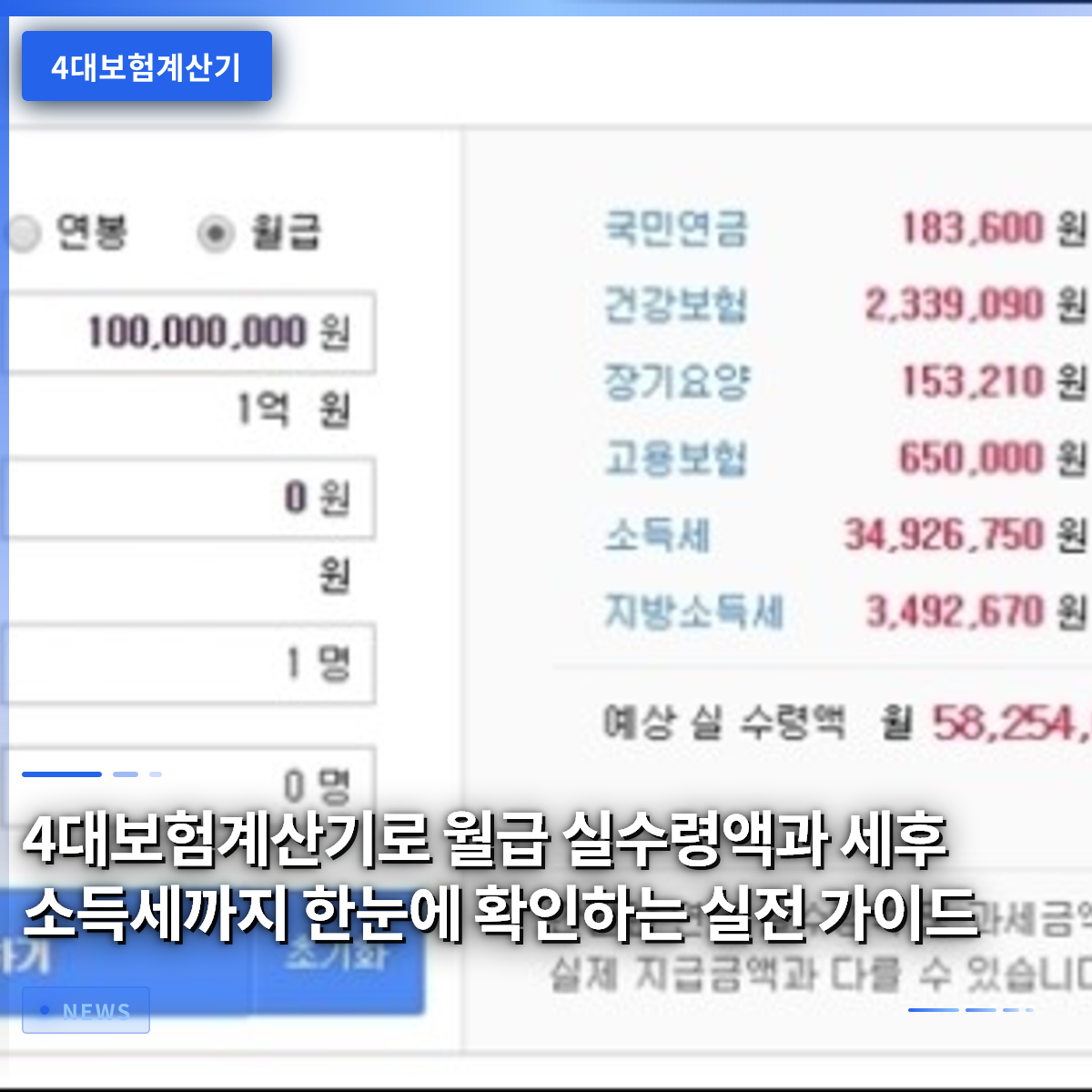
Using the Four Major Insurance Calculator allows you to immediately see the insurance premiums and taxes deducted from your salary, enabling you to accurately predict your net pay. Many employees are confused when they look at their pay stubs and realize that the amount actually deposited into their bank account differs from their expectations. In this article, we will examine step-by-step what items the Four Major Insurance Calculator reflects and help you understand through actual calculation examples. We will also explain calculation methods that reflect the latest changes in insurance premium rates and tax rates. Additionally, we will present how to create a financial plan based on the calculation results. Finally, we will summarize points to be careful about when frequently using the calculator and future outlooks. After reading this article, anyone will be able to easily use the Four Major Insurance Calculator to check their net pay.
=
A Practical Guide to Checking Your Net Pay and After-Tax Income at a Glance Using the Four Major Insurance Calculator
1. Key Items Provided by the Four Major Insurance Calculator
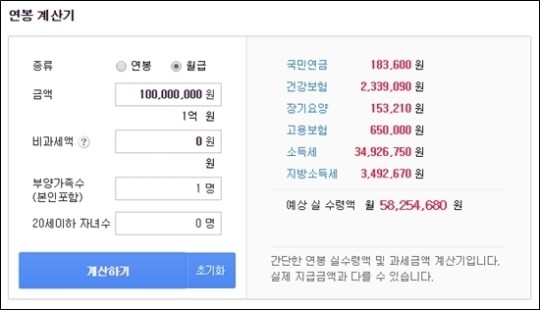
The Four Major Insurance Calculator first calculates the National Pension premium. This premium is calculated by applying a specific rate to your salary, with a rate of 4.75% applicable as of 2026. Next, the Health Insurance premium is calculated, where a rate is also applied. The Long-Term Care Insurance premium is calculated separately as a certain percentage of the Health Insurance premium. The Employment Insurance premium is for unemployment benefits and maternity/paternity leave, calculated by multiplying your salary by a specific percentage. Finally, the Workers’ Compensation Insurance premium varies by industry, but generally, a lower rate is applied to office workers. After these four insurance premiums are deducted sequentially, income tax is calculated on the remaining amount. Income tax applies progressive tax rates based on the taxable standard, and local income tax is also considered. By entering all these items into a single calculator, you can immediately check your final net pay.
The Four Major Insurance Calculator calculates net pay by sequentially reflecting the National Pension, Health Insurance, Long-Term Care Insurance, Employment Insurance, and income/local income taxes.
2. How to Use: From Salary Input to Result Verification

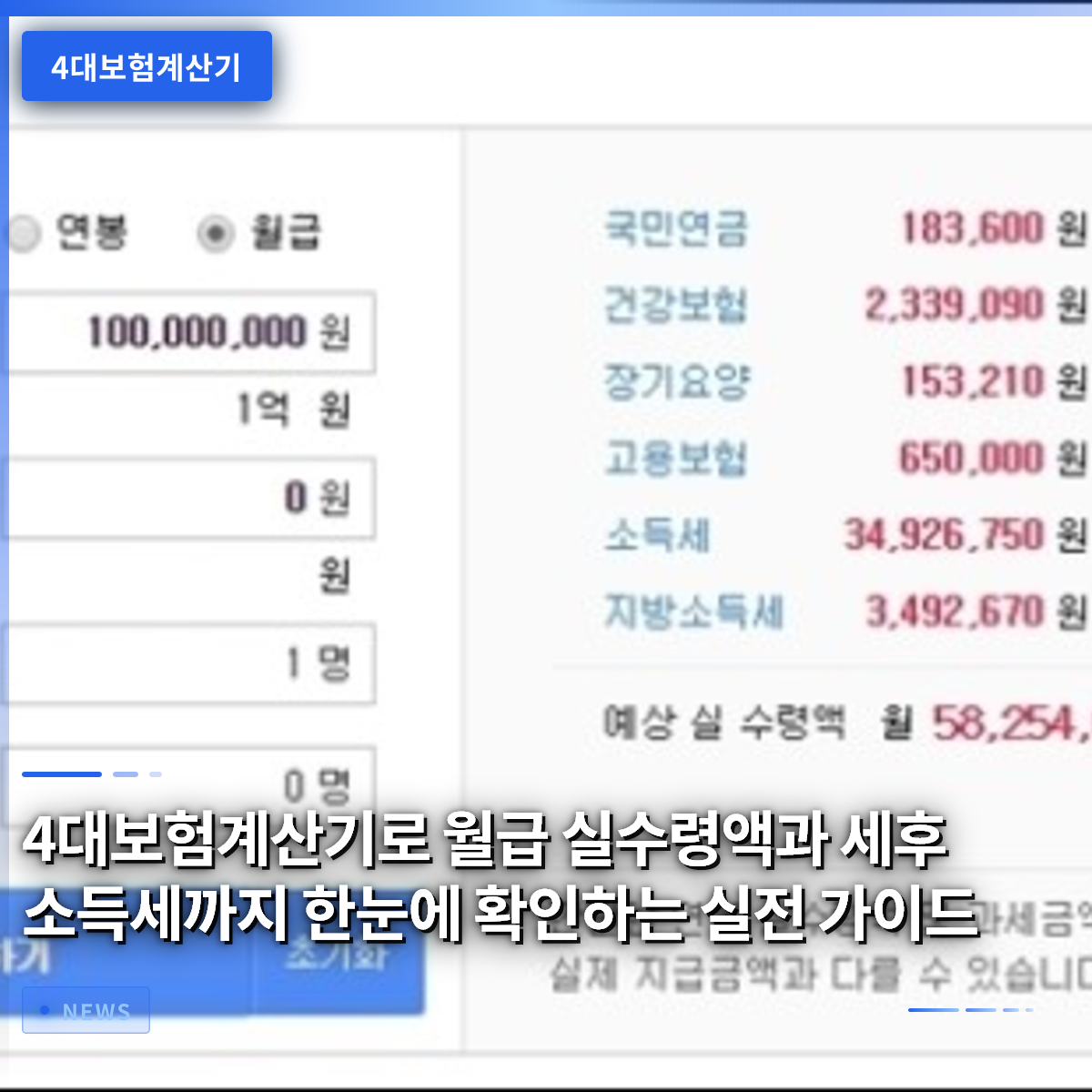
First, access the calculator website and find the salary input field. The amount to be entered here is the pre-tax salary; bonuses or separate allowances must be added separately. After entering the amount and pressing the calculate button, each insurance premium item is displayed automatically. The amounts for National Pension, Health Insurance, Long-Term Care Insurance, and Employment Insurance are shown individually, along with the total. Then, the income tax calculation step proceeds, and the taxable standard is displayed. Local income tax is automatically calculated as 10% of the income tax and displayed. When the total of all deduction items is subtracted from the pre-tax salary, the final net pay appears. The results screen provides the amount and percentage for each item in graph form, allowing for easy comparison. Users can plan their budget for the following month based on these results.
Upon entering your salary, each insurance premium and tax is calculated sequentially, allowing you to immediately check the net pay and the percentage for each item.
3. How to Reflect the Latest Insurance Premium Rates and Tax Rates

Starting from July 2026, the National Pension rate is scheduled to increase from 4.75% to 5.00%. Accordingly, the calculator must be updated annually to reflect changes in insurance premium rates. The Health Insurance rate remains at 3.55% as of 2026, and the Long-Term Care Insurance premium is calculated at a rate of 10.25% of the Health Insurance premium. The Employment Insurance rate is 0.9% with no changes, but differential application by industry may exist. Income tax rates differ by taxable bracket, and the latest brackets reflecting the 2026 revision bill should be applied. Local income tax is fixed at 10% of income tax, so no separate update is required. When using the calculator, it is best to select a version that reflects the latest rates or use the function to enter rates directly. Many sites automatically apply the latest rates, so simply checking the version can ensure accurate calculations.
You must use a calculator that reflects the latest insurance premium rates and tax rates to obtain an accurate net pay.
4. Establishing Financial Plans Through Net Pay Prediction
Knowing your net pay accurately makes it easier to set monthly savings goals. For example, if your net pay is 2.5 million KRW and you aim to save 20%, you can save 500,000 KRW per month. Planning loan repayments and living expenses in advance can reduce unnecessary spending. Additionally, you can calculate the expected refund amount for the year-end tax settlement in advance. Adjusting deduction items based on the expected income tax can alleviate the tax burden. Regularly checking changes in net pay allows for quick response to income changes. Entering net pay into financial apps or spreadsheets to visualize monthly cash flow makes executing the plan easier. A financial plan based on these calculation results is greatly helpful for long-term asset formation.
Systematically planning savings, expenses, and loan repayments based on net pay makes financial management more efficient.
5. Points to Note and Common Mistakes When Using the Calculator
First, omitting bonuses or overtime allowances from the input amount will result in a lower net pay than actual. Second, using outdated insurance premium rates will cause errors. Third, missing income tax deduction items will lead to an overestimated taxable standard. Fourth, failing to calculate local income tax separately will result in an insufficient final tax amount. Fifth, including non-taxable items (e.g., meal allowances, transportation fees) in the salary when calculating will cause errors. Sixth, if you trust the calculation results blindly and find discrepancies during tax filing, an amended return may be required. Seventh, using different versions of the calculator on mobile and PC may result in rate differences. Eighth, if you do not turn on update notifications, you may miss the latest rates.
For accurate input, include all salary items, use the latest rates, and periodically verify the results.
6. Outlook and Reader Actions
In the future, the Four Major Insurance Calculator is expected to evolve by using artificial intelligence to analyze users’ past salary data and predict future income changes. This will allow users to simulate income changes due to promotions or job changes, not just their current salary. Additionally, a feature that automatically updates rates when there are tax law revisions or insurance policy changes is expected to become standard. Developers will focus on improving the user interface to be more intuitive to reduce input errors. Readers should start the habit of regularly using the calculator to record changes in their net pay from now on. Recording changes provides an objective basis for making future financial decisions. This can enhance overall financial capabilities, including savings, investment, and debt management.
Consistently using the calculator’s features and keeping records will be greatly helpful for future financial planning.
Frequently Asked Questions
=