Starting to create QR codes now can help you reduce costs and increase customer traffic. A single scan with a smartphone connects users to various information, such as coupons, maps, and event pages. Recently, as telecommunications companies and local governments have expanded their use of QR codes, their application scope has broadened rapidly. This article will walk you through the entire QR code creation process and key points for success, step by step.
2026 Latest QR Code Creation Guide – Practical Tips for Small Businesses to Corporations
1. Where are QR codes used?
You encounter QR codes more often in daily life than you might think. For example, KT places QR codes on in-store tablets, providing an instant 5,000 won discount coupon upon scanning. The Bupyeong District inserted QR codes into festival promotional materials, allowing visitors to access mobile maps directly via their smartphones. Woori Financial Group simplified its donation campaign application process by accepting requests via QR codes. These examples demonstrate that QR codes are a tool for improving customer experience and enhancing operational efficiency.
QR codes are versatile mediums that provide instant connections for various purposes, such as discounts, guidance, and applications.
2. What tools are needed to create a QR code?
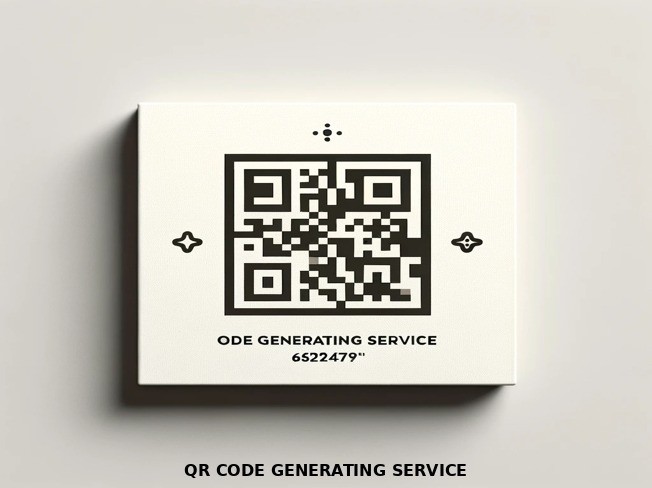
The first step is to create a basic code using an online generator. On free websites, you can generate an image file immediately by entering a URL and selecting an error correction level. If you want to add design elements, you can use image editing software or online templates to apply your logo and colors. Save the finished file in a high-resolution format like PNG or SVG and send it to the print shop.
The most efficient workflow is: Online Generation → Design Editing → High-Resolution Saving.
3. What should I pay attention to when designing?
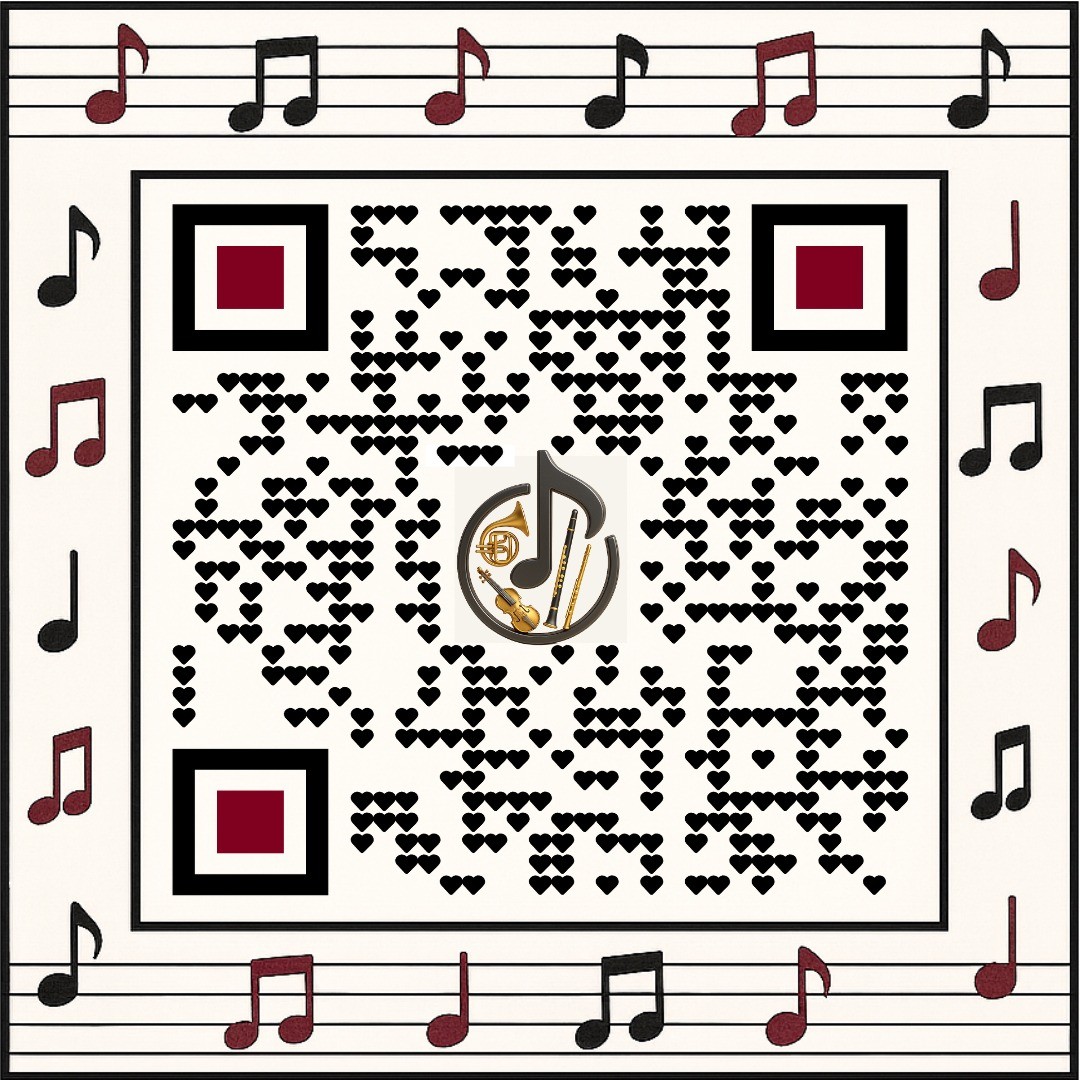
If the code itself is too small, scanning errors may occur, so a minimum size of about 2 cm is recommended. There must be sufficient contrast between the background and the code for easy camera recognition; therefore, it is safest to place black codes on a white background. Setting a high error correction level allows for normal recognition even with some damage, so choose Level H for items exposed for long periods, such as event posters. When inserting a logo, it is best to place it on the edges so it does not obscure the center of the code.
Size, contrast, error correction level, and logo placement are the core elements of a successful design.
4. How to distribute and manage after creation?
After printing the code or inserting it into a digital banner, be sure to test that the linked page works properly. If you want to check visitor numbers and scan rates, you can integrate a separate analytics tool to monitor traffic. If the page content changes, you can simply replace the URL while keeping the existing code, eliminating the need for re-printing and making management convenient.
Ongoing management is possible through: Testing → Analytics Integration → URL Replacement.
5. What are the costs and time requirements?
Using a free generator means the creation cost is 0 won, and it usually takes less than 30 minutes to complete if you only do the design work. If you hire a professional designer, costs start from around 50,000 won and increase depending on complexity, but you can receive custom logo insertion and high-quality printing in one go. Printing costs vary depending on the store size, but approximately 1,000 won per A4 sheet is standard. Therefore, small businesses with limited budgets can easily adopt this solution.
Basic creation is free and takes 30 minutes; additional design and printing can be selected as needed.
6. Create a QR Code Right Now
First, organize the URL you want to provide, then paste it into a free generator site to get a basic code. If you need design, apply your logo and colors using an image editing tool and save it as a high-resolution file. Finally, attach it to your store entrance or promotional poster, and scan it directly with a smartphone to confirm it works properly. We hope the QR code you create today delivers new benefits to your customers.